
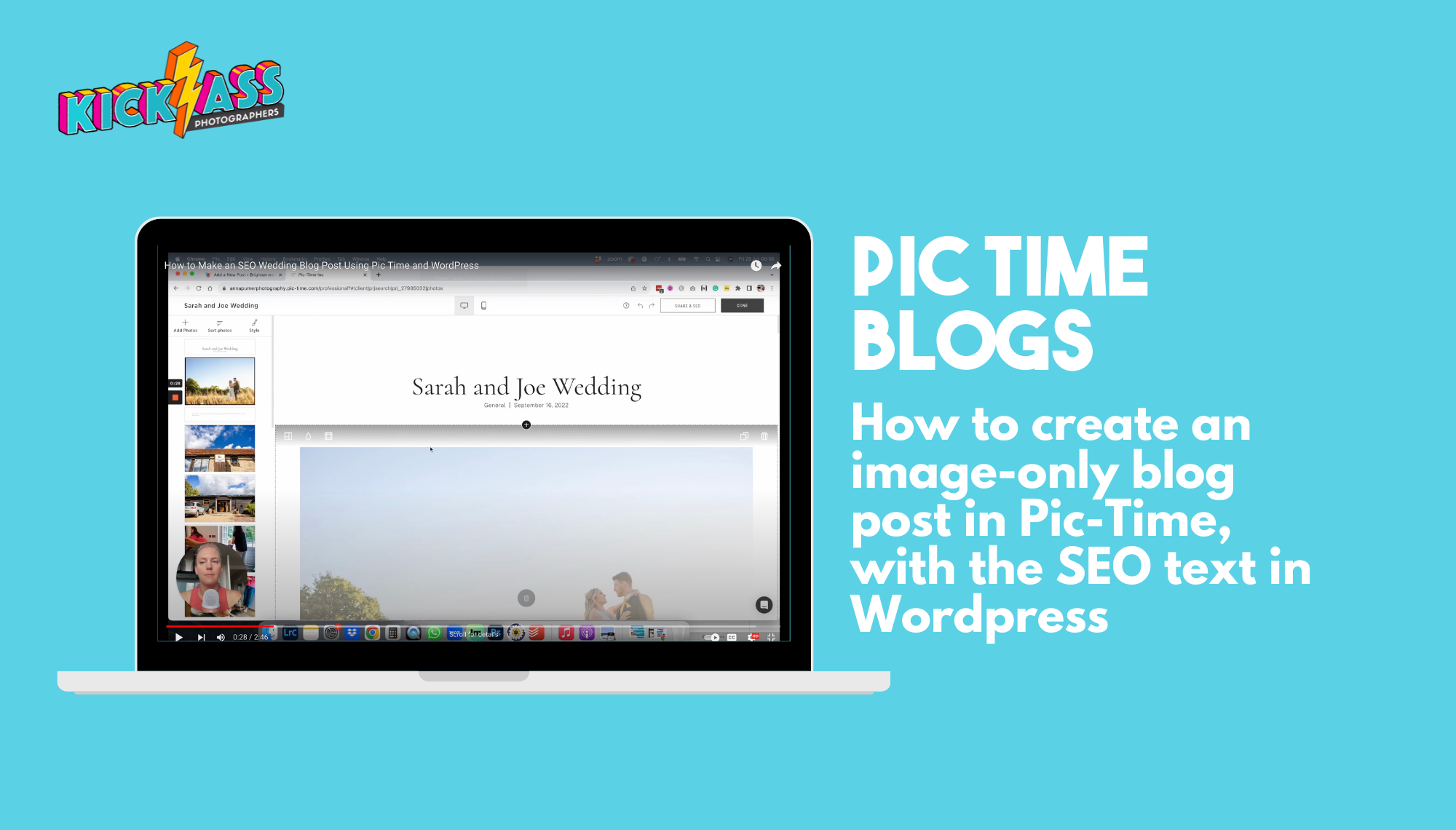
In this video, I will show you how to create a blog post using Pic Time and WordPress. I will guide you through the process of selecting photos from the gallery, skipping the default text, and customising the style. Finally, I will explain how to add text and headings to the blog post, choose a featured image, and publish it. By the end of the video, you will have a clear understanding of how to make a blog post using Pic Time and WordPress. The benefit of hosting your images on Pic Time and not WordPress is saving space on your server and making the post load faster, while keeping your SEO in WordPress where you have more control over your Headings.
Death by Candids: 10 Ways to Take Better Candids and Beat the Boredom
We've all shot weddings where we either don't feel inspired - whether we're repeating the same venue over and over, or we've lost our mojo - or we're just bored of shooting the same people doing nothing for hours. I was in this position last weekend, when a guest...
0 Comments